The App Isn’t the Trigger: Finding the Real Live-TV Line in a 2026 UK Streaming Home

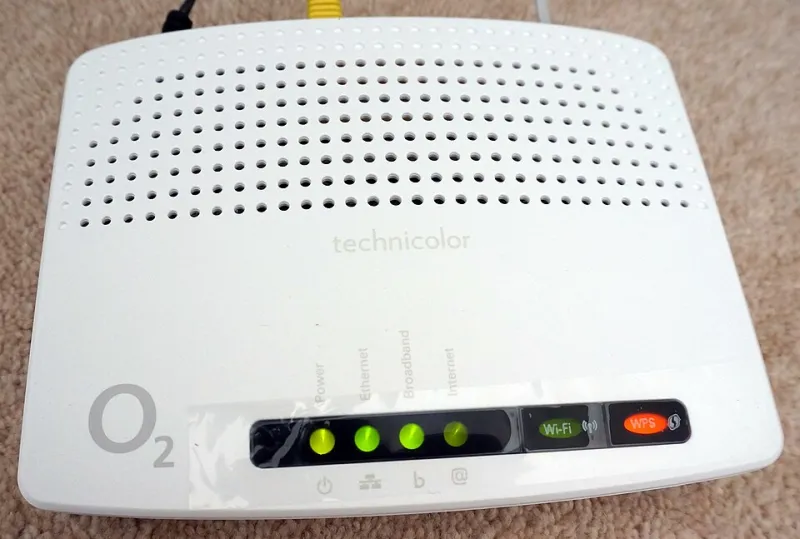
Photo: Anthony Vosper , CC BY-SA 2.0, via Wikimedia Commons
There’s a moment in plenty of UK homes where the TV Licence question stops being abstract. Someone opens ITVX, taps a live channel instead of a box set, and nobody in the room is quite sure whether that counts. Or a household pays for an IPTV service with a channel list and an EPG, but mostly uses it for films on demand. The app is the same. The habit is not.
The confusing part is that streaming apps have spent years blurring the line between “live” and “on demand”. A live tab sits next to a box set. A channel number appears above a catch-up rail. A free ad-supported service can look like a playlist one minute and a broadcast channel the next. So the useful question is not “which app is this?” It is “what am I actually watching?”
This is a practical explainer, not legal advice. If you need a definitive answer for your household, check TV Licensing’s current guidance. But for most cord-cutting homes, the logic is simpler than the interface suggests.
The line is live TV, not the logo
In the UK, a TV Licence is required to watch or record live TV on any channel or service. That includes live TV through a streaming app, not just a aerial or satellite box. It also includes recording live TV, whether that recording happens on a box in the cupboard or in a cloud DVR somewhere else.
BBC iPlayer is a separate case. You need a TV Licence to use BBC iPlayer at all, including on-demand programmes. That is not true of every catch-up service. ITVX, Channel 4 and My5 have on-demand content that generally does not require a TV Licence when you are not watching live. Their live channels do.
That single distinction explains most of the confusion. The app is not the trigger. The live stream is. BBC iPlayer is the exception because the licence requirement attaches to the service itself, not only to live viewing.
Why a streaming-first home feels murky
A modern UK living room is not arranged like a 2008 Freeview box. You might have a smart TV with Freeview Play, a Fire Stick, a games console, a laptop and a phone all capable of showing the same programme. The same household can watch live football on one device, a Netflix drama on another, and a Channel 4 box set on a third.
Apps also design themselves to encourage live viewing. ITVX puts live channels near the top. Channel 4 has live streaming alongside its on-demand catalogue. Free services such as Pluto TV and Samsung TV Plus serve up scheduled channels that feel like telly, even though they arrive over the internet. None of that is dodgy. It just makes the boundary less obvious.
Then there is IPTV. A service that gives you a channel list, an EPG and live feeds is, in viewing terms, live TV. If you watch those channels as they go out, the licence question is the same as watching live BBC One through an aerial. An IPTV service that only offers films and series on demand is closer to Netflix in how you use it. Whether the service itself is legitimate is a separate issue, and a TV Licence does not make an unauthorised service authorised.
The ninety-second household audit
You do not need to build a spreadsheet. You need an honest list of what people in the house actually do. Try this:
- List the apps that get used. Include BBC iPlayer, ITVX, Channel 4, My5, Netflix, Prime Video, Disney+, YouTube, Pluto TV, Samsung TV Plus, and any IPTV player.
- Mark the live habits. Does anyone tap live channels, watch live sport, follow a scheduled news channel, or leave a live stream running in the background?
- Mark BBC iPlayer separately. Any use of iPlayer counts, not just live.
- Check recording. If a box or cloud DVR is set to record live TV, that is live-TV territory.
- Check the devices. A laptop in the kitchen and a phone on the train can both be part of the same viewing picture.
If the only things you watch are on-demand programmes on Netflix, Prime Video, Disney+, ITVX, Channel 4 or My5, and you never use BBC iPlayer or watch live TV, the licence question is usually straightforward. If anyone watches live channels on any service, or uses BBC iPlayer, it changes.
The “but it’s on the internet” trap
The most common mistake is assuming that because a stream arrives over broadband, it is automatically on-demand. It is not. “Live” is about whether you are watching a channel or service as it is being broadcast, not about whether the signal comes through a cable, a dish or Wi-Fi.
A second trap is treating a free live channel as exempt because it is free. The licence requirement is not tied to whether the channel is subscription-based. A free live stream is still live TV.
A third trap is assuming one person’s habit covers the whole house. A TV Licence generally covers a household at one address, plus portable devices used away from home where there is no other licence at that address. But the practical audit is still about what the household actually watches. If one person is watching live channels on a laptop in the spare room, that is part of the picture.
What to do with the answer
If your household watches live TV or uses BBC iPlayer, keep the licence side of things in order. If you genuinely do not, the point of the audit is confidence: you can explain why your setup is on-demand only, rather than hoping nobody asks.
The streaming-first home did not make the TV Licence disappear. It made the line harder to see. Find the live streams, find the iPlayer use, and the rest of the apps become much easier to classify. The app is not the trigger. The stream is.