The Catch-Up App Wall: Why Some Streaming Boxes Can't Get Past BBC iPlayer
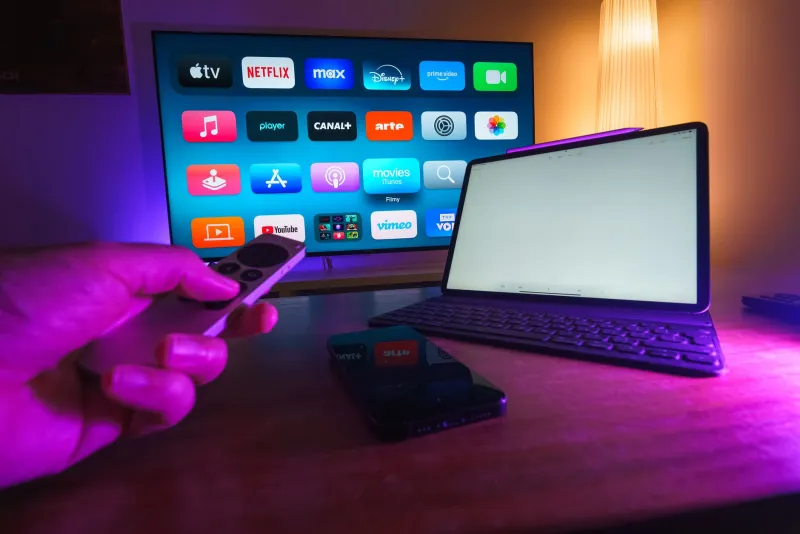
There is a particular kind of disappointment that comes from setting up a new streaming box, getting a picture on the telly, then tapping BBC iPlayer and watching it bounce straight back to the home screen. The box has done the hard part. It found the network, loaded a menu and maybe even played a channel. So why does a catch-up app treat it like an intruder?
The short answer is that live streaming and UK catch-up apps are not the same sort of telly. One is a stream. The other is a licensed product with a chain of trust behind it. If your box is not on the right side of that chain, the app will not care how much you paid for the remote.
It is not a glitch, it is a licence
BBC iPlayer, ITVX, Channel 4 and My5 are not neutral utilities. They are services built around content rights, and those rights come with rules about how the content is protected. The apps need to know that the device they are running on will not let the stream be copied, redirected or recorded in ways the rights holders have not agreed to.
That is where DRM, or digital rights management, comes in. On most Android-based boxes the relevant system is Widevine. It is the same basic idea as the padlock in a browser, but with stricter rules about what the device is allowed to do with the decrypted video. A box can be perfectly capable of playing a video file and still be completely unacceptable to a UK broadcaster app.
This is why the app may not appear in the box's app store at all. It is also why sideloading an APK often ends in a login screen, an error code or a silent crash. The app is not being difficult for sport. It is checking whether the device has been certified for the job.
Widevine levels and the HD handshake
You will see Widevine talked about in levels, usually L1 and L3. A very rough summary: L3 is software-based protection and is common on cheaper or uncertified Android devices. L1 is hardware-backed and is generally what the big UK apps expect for proper HD playback, and certainly for anything claiming to be a premium experience.
A generic IPTV box may have Widevine L3, or it may report a level that looks fine until an app tries to use a secure path. That is the point where iPlayer and friends can throw a wobbly. The app is not just asking “can this box decode video?” It is asking “can this box be trusted with this video?”
This is also why a box can stream a channel from an IPTV service without trouble but fail on BBC iPlayer. The IPTV stream may not demand the same certification. The catch-up app does. They are two different doors with two different bouncers.
The four apps, four bouncers
It is tempting to treat all UK catch-up apps as one bloc. They are not. BBC iPlayer has its own supported device list. ITVX has its own requirements. Channel 4 and My5 have theirs. A box might pass one and fail another, which makes the whole thing feel random when it is actually just a patchwork of different certification decisions.
That patchwork is why the product page matters. If a box is advertised mainly as an IPTV player, the seller may have no reason to mention UK catch-up certification. If the listing is vague about iPlayer, ITVX or Freeview Play, treat that as a warning sign rather than a challenge to be solved later.
Check before you tap buy
Before you spend money in 2026, do a five-minute certification check. Start with the broadcaster's own help pages. The BBC publishes a supported devices list for iPlayer, and it is more useful than a retailer's badge. Look for the exact model, not just the brand. A cheap box from a familiar-sounding name is not automatically certified.
Next, check whether the device is a certified Android TV or Google TV device, if that is the route you are taking. Certified devices tend to have the official app store and the proper Google framework. Then look at the retailer's returns policy. If the box cannot run the apps you actually watch, you want the option to send it back without a fight.
If you already own the box, you can install a DRM info app to see what Widevine level it reports. That is not a guarantee, but it is a clue. You can also check whether the official iPlayer app appears in the box's own app store. If it does not, sideloading is unlikely to end well. Update the firmware, check the date and time, clear the app cache and try again, but do not expect a miracle if the device was never certified.
What actually works
If catch-up apps are the priority, the safest route is usually the least exciting one: use a device that was designed for UK telly. That means the TV's own built-in apps if they are supported, a certified streaming stick from a major brand, a games console such as a PlayStation or Xbox, or a Freeview Play or YouView box that carries the proper UK app lineup.
A Fire TV Stick, Roku device, Apple TV or certified Google TV box is not automatically perfect for every app, but each has a much better chance than an unbranded Android box with a promising spec sheet. Consoles are often overlooked, but they are a genuinely tidy fallback for iPlayer and the other catch-up services if the console is already under the telly.
The buying rule
Buy the box for the apps you need, not for the channels it claims to unlock. A streaming box that cannot open BBC iPlayer is not a bargain if BBC iPlayer is half your viewing. Check the supported device lists, look for certification rather than marketing language, and keep the receipt. The catch-up app wall is much easier to avoid before you buy than after.